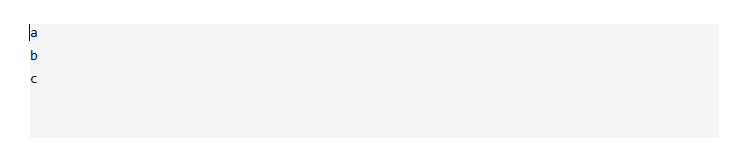
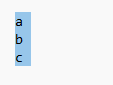
When I select multiple lines in CodeMirror, the selection highlight covers the entire line width.
I want the selection background to only highlight the actual text content, and not the empty space after the text on each line.
Is there a way to achieve this?
Any configuration, CSS, or custom extension suggestions would be appreciated. Thanks!